How to Log in and Navigate the WebRTC Interface
Learn how to access the WebRTC interface by logging in with your credentials. This guide will walk you through the initial steps of navigating the system after successful authentication.
1. Navigate to https://sip10.hashtech.tel/webrtc/login
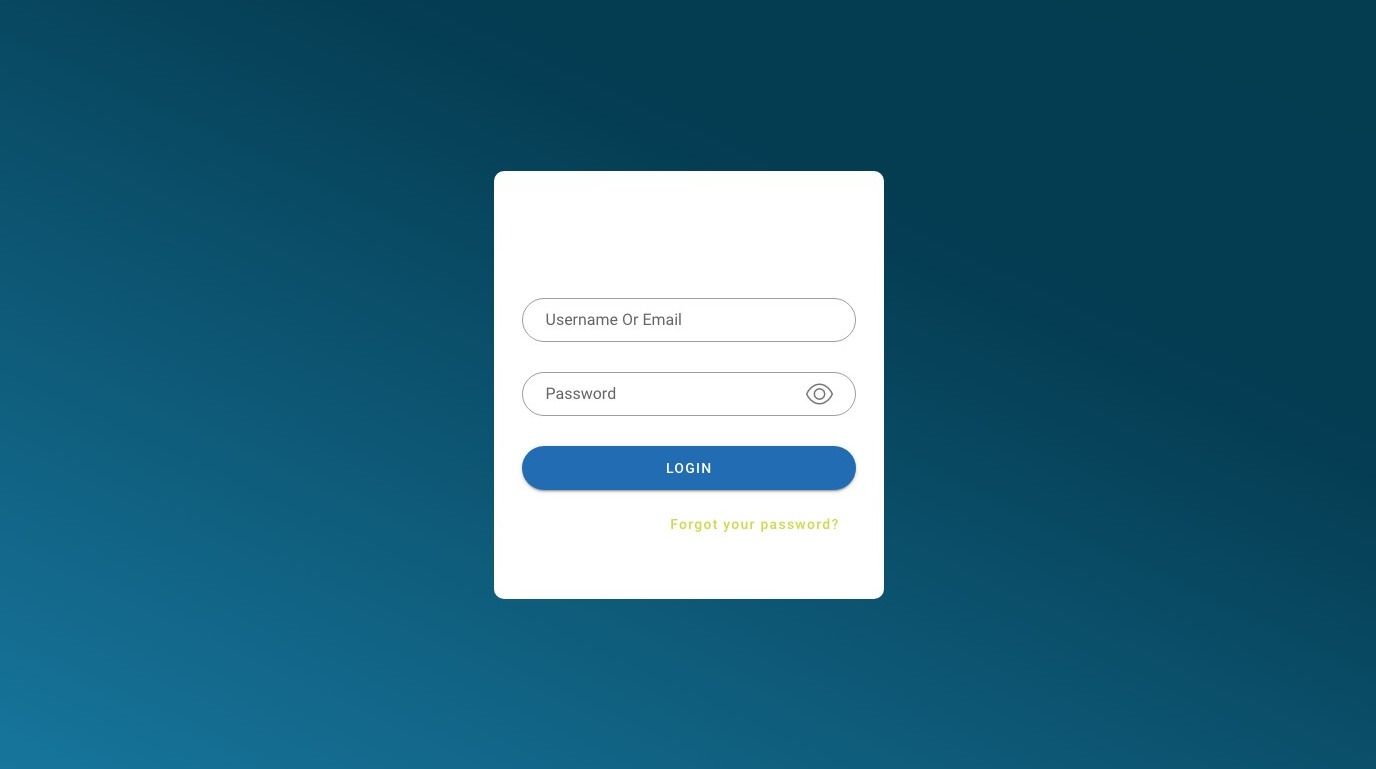
2. Click this text field.
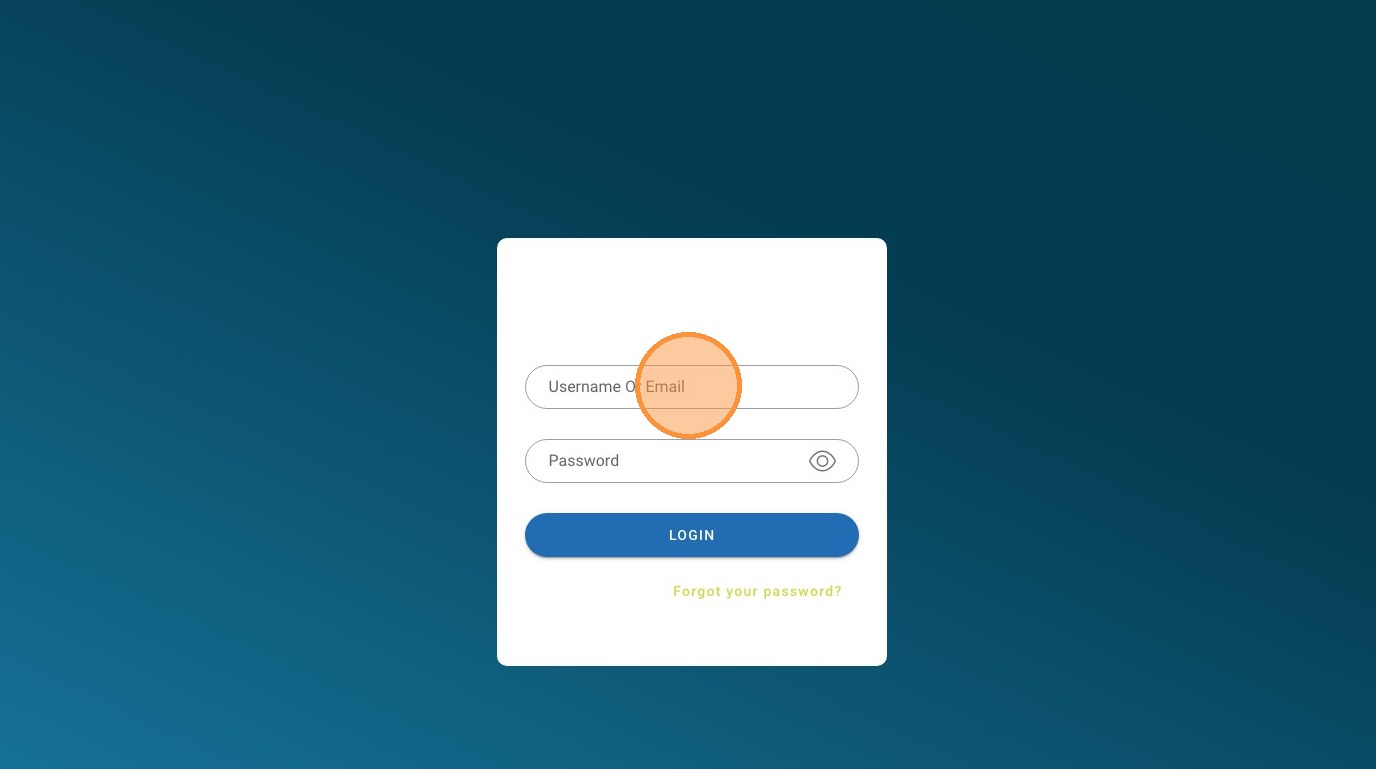
3. Click this password field.
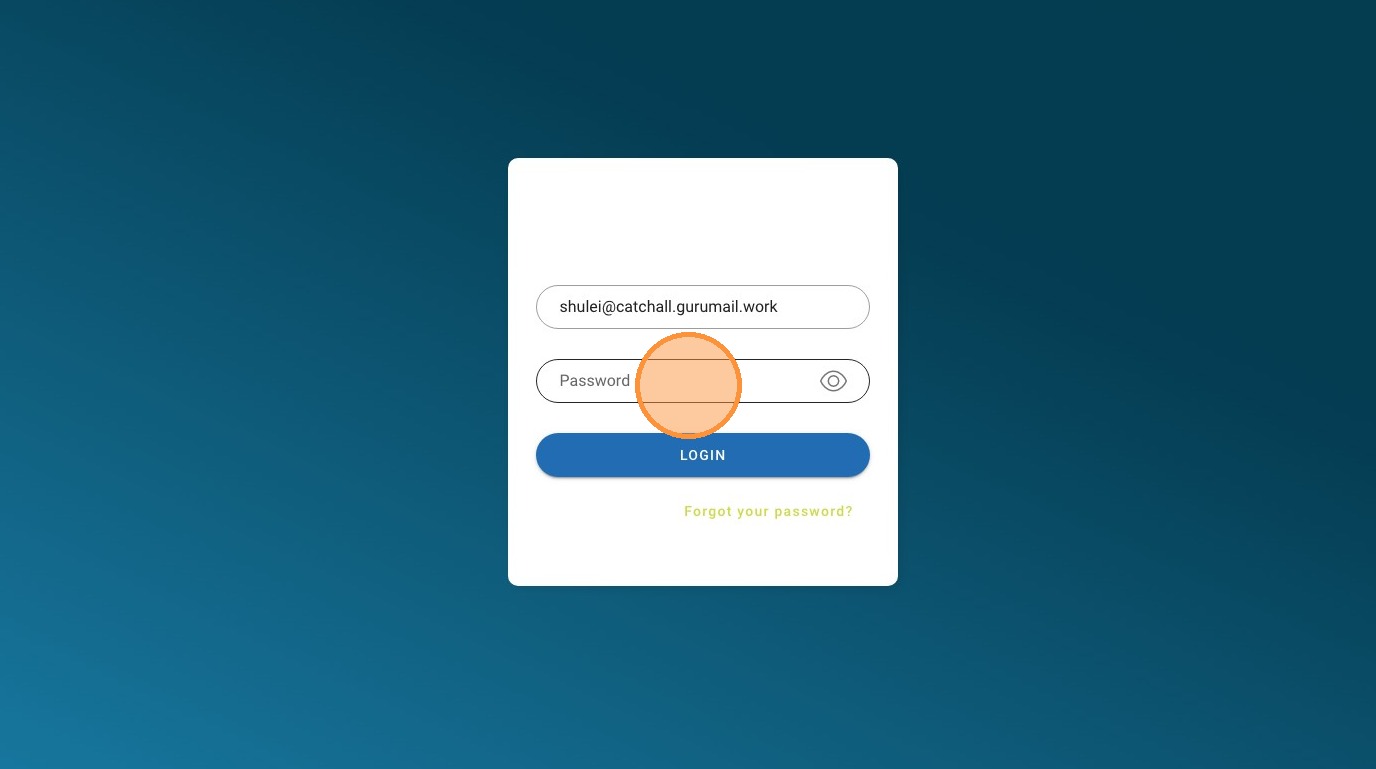
4. Click "Login"
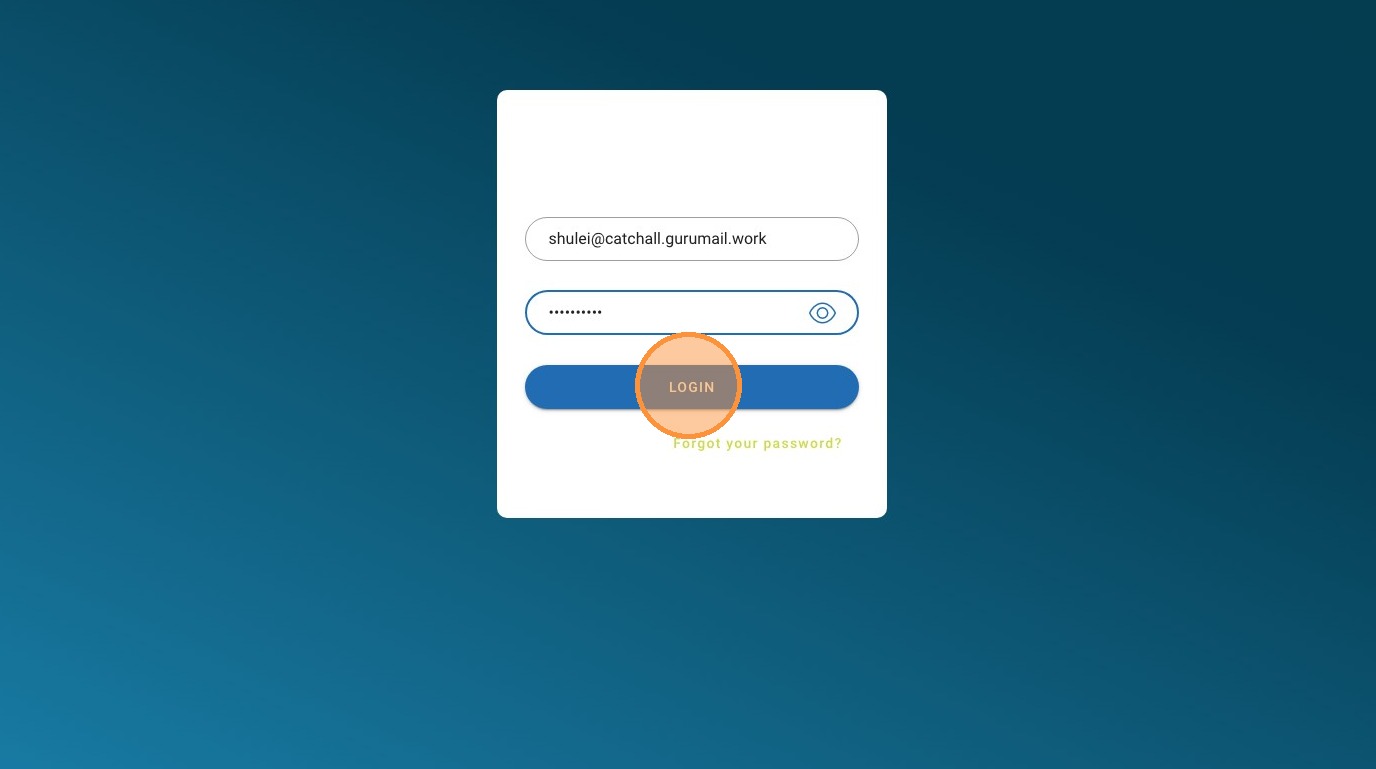
5. Click here.
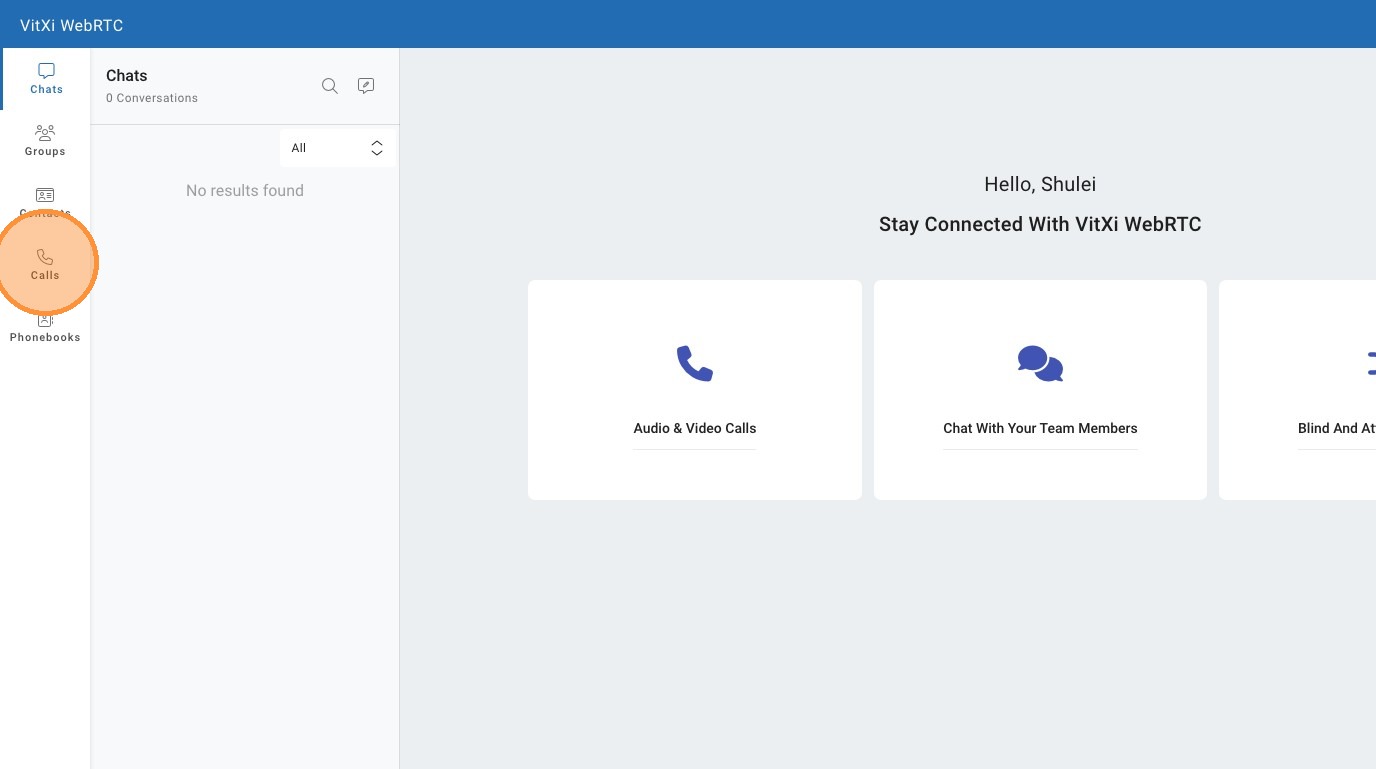
6. Click the "Number" field.

7. Click here.
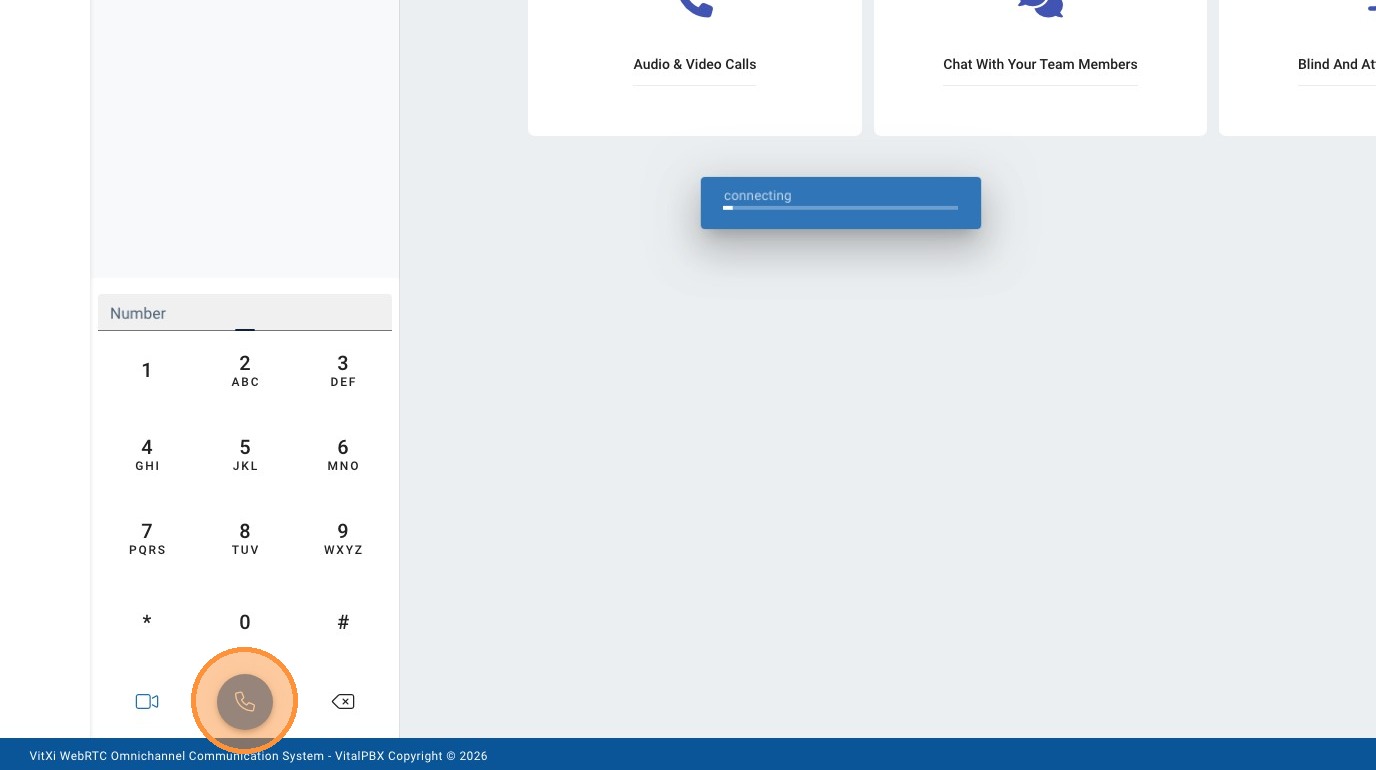
8. Click here.
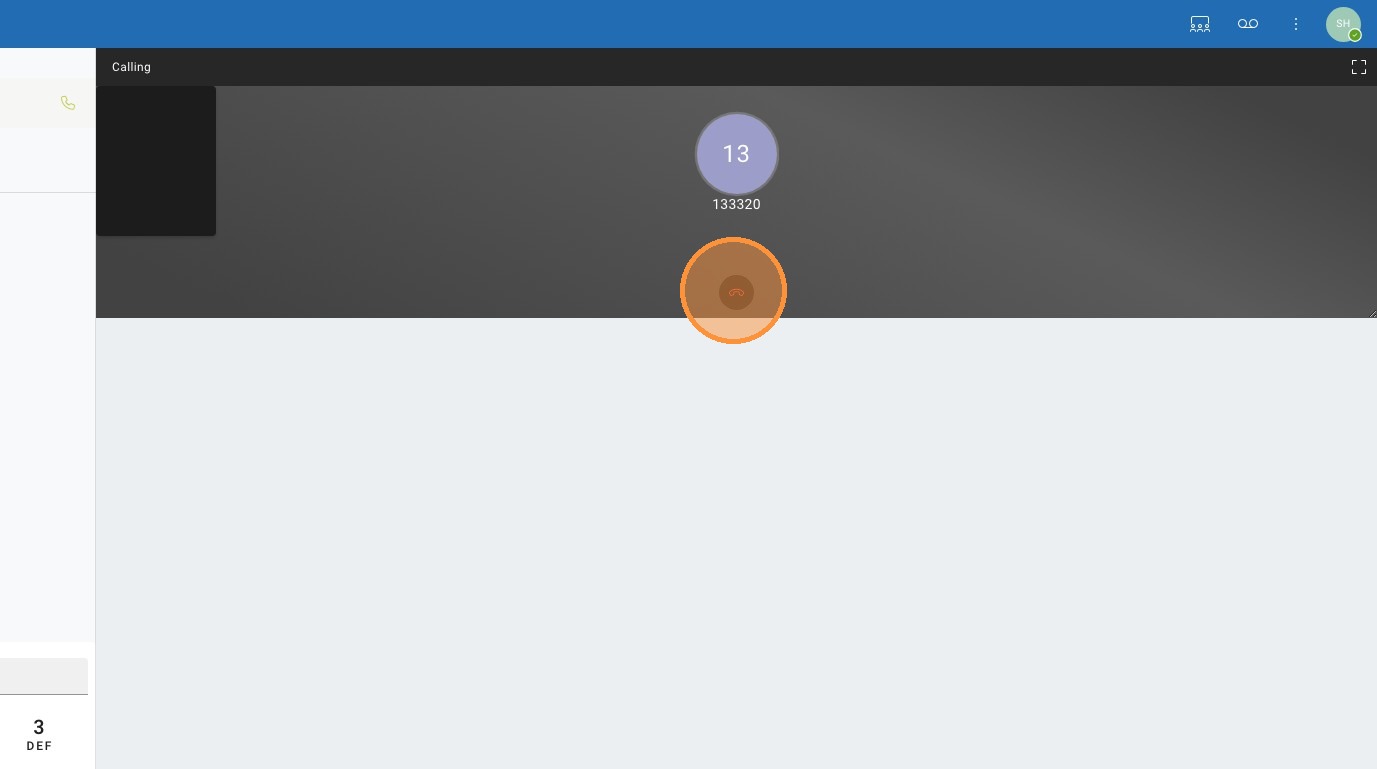
9. This green dot indicates that your extension is registered online.

Made with Scribe